A Wolf Or Other controls
Every bind that actually ends a round.
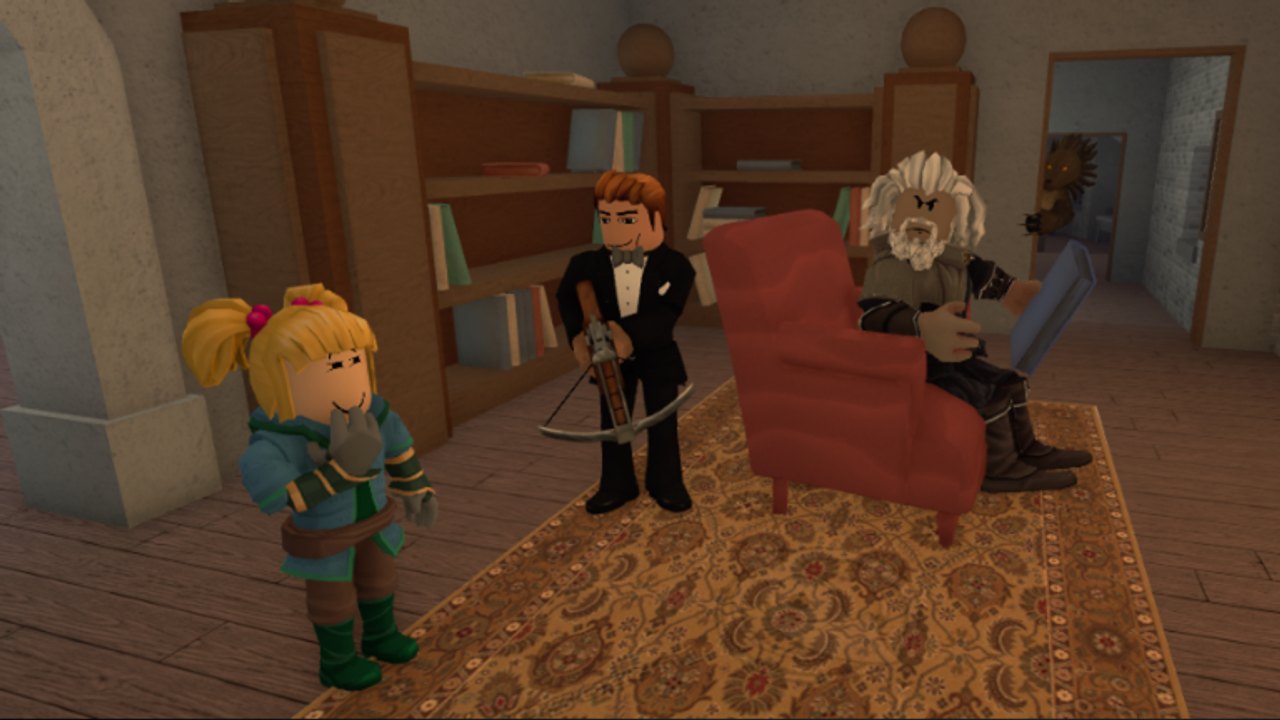
A Wolf Or Other uses standard Roblox movement plus a tiny set of role actions. Missing those actions is how you donate rounds: a wolf who never howls, a hunter who shoots on accidental click, a civilian who never notices the dropped bow. This page is the input sheet. Role decision-making stays on werewolf, hunter, and civilian.
Shared movement
Walk, jump, and camera are default Roblox binds (WASD, space, right mouse on PC; thumbstick on console and mobile). Shift lock helps hunter aim and wolf claw tracking. Console is supported; voice chat is not. You will not get callouts unless you type.
Emotes work in the lobby and in round. Hunters can emote while holding the bow; the animation shifts slightly. That is trivia. Do not emote on a body.
Werewolf inputs
| Action | Input |
|---|---|
| Transform / detransform | Werewolf item in inventory (click / tap) |
| Claw | Beast-form attack (click / tap) |
| Howl | E or Q, or the orange-red on-screen button |
| Door / glass break | Walk into breakable geometry in beast form |
Howl roots you for three to four seconds. Detransform immediately after the howl to cut the root, then transform again. Claw-slash spam is a movement tech, not just damage. You cannot kill in human form. A hunter can still kill you in human form.
Hunter inputs
| Action | Input |
|---|---|
| Aim / fire crossbow | Standard tool aim and click / tap |
| Drop on civilian hit | Automatic — guilt lock, cannot re-equip |
There is no alt-fire. There is no scope that changes the one-bolt rule. Cosmetic bows from Profile use the same input. If you inject auto-shot from the scripts hub, the guilt lock still fires on a civilian tag.
Civilian / hero inputs
Civilians have movement and emotes only. Hero is not a bind; it is a pickup. Touch the dropped crossbow to inherit hunter fire and hunter guilt. If you are on mobile, walk onto the bow; do not stand two studs away tapping empty air while the wolf turns around.
HUD tells
- Role banner at spawn: Civilian / Hunter / Werewolf.
- Howl button appears in beast form.
- Madness / dark border after a hunter (or hero) bolts a civilian.
- Name tags such as Benedict in hallways — these are character names, not roles. See the roster.
- Gold bag is a world pickup, not a hotkey.
- Timer extends when kills happen (community clips describe extra time on deaths). Play until the banner, not until you guess the clock.
Profile and shop
Open Profile in the lobby to buy and equip curses and crossbows. There is no codes field. Do not search the HUD for one; the codes hub explains the empty list. Tokens appear after rounds, not after a redeem.
Device notes
- PC: howl on E/Q is reliable. Shift lock on.
- Mobile: use the on-screen howl button. Transform is an item tap. Hero pickups need your character overlapping the bow.
- Console: supported since the 2020 Xbox push. No injectors. Practice analog aim before you main hunter.
Practice order
- Civilian movement on Great Manor — maps.
- Hunter aim in a quiet lobby, never shooting until a transform.
- Wolf transform plus one covered howl.
- Only then Palace votes and scripts.
If a bind does nothing, you are on the wrong role. Civilians looking for a claw button will not find one. Wolves looking for a bow will not find one until they die and someone else becomes the problem. Check the banner, then check this table, then take the round checklist into the next vote.
Frequently Asked Questions
Quick answers for A Wolf Or Other rounds on Roblox.
What key howls in A Wolf Or Other?
E or Q on PC, or the on-screen howl button in beast form. Howl roots you unless you detransform right after.
How do I transform?
Use the werewolf item in your inventory. There is no separate transform key.
Is there a codes button in the HUD?
No. Tokens come from rounds. Profile is the shop. See the codes hub.
Can I play hunter on mobile?
Yes, with tap aim. Console and mobile both support the experience; scripts do not.